
Your brand on everything clients see
Add your logo and brand colour once and Walkies uses them in your app, your clients' Journal app, report cards and invoice PDFs. Publish an online profile and build your own website on your own domain.

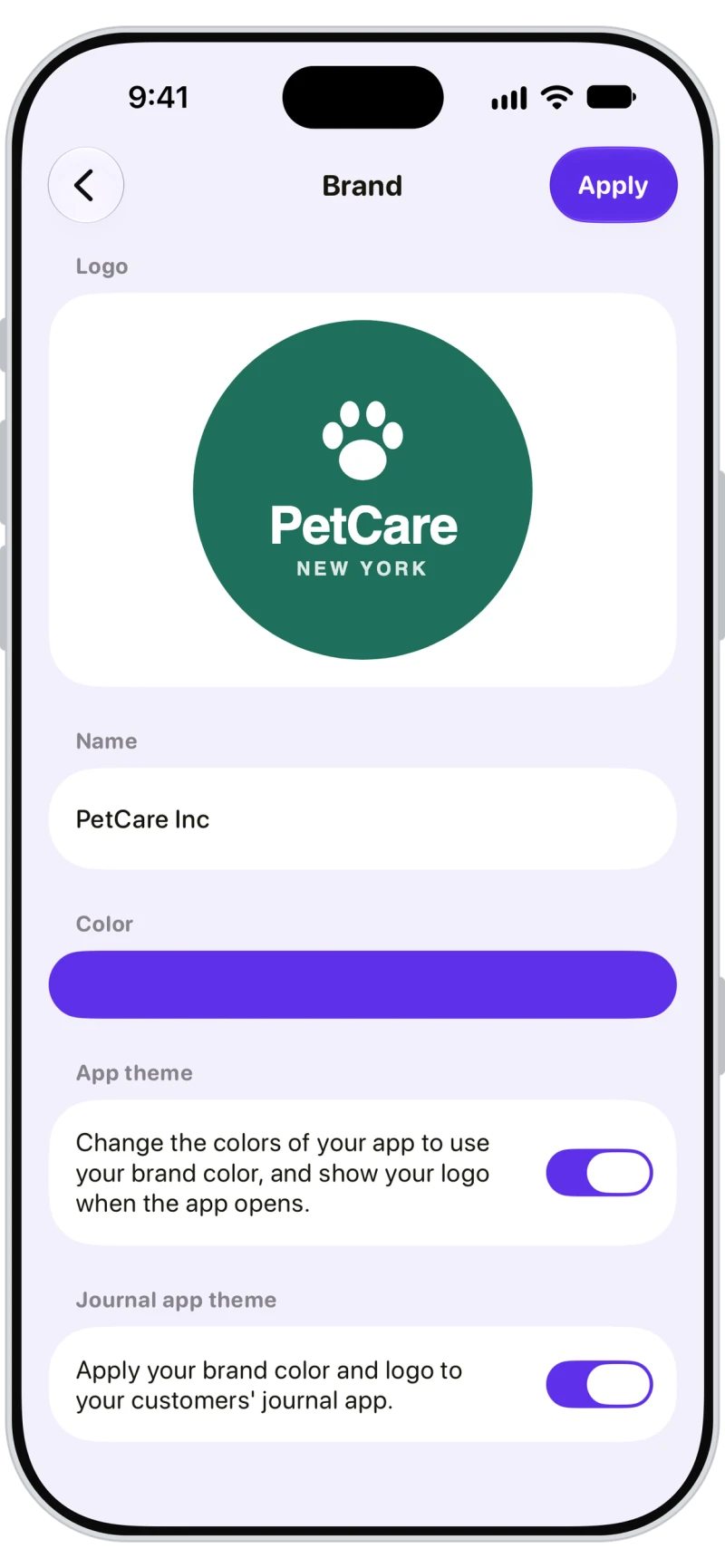
Add your logo and brand colour
Add your logo, business name and brand colour. Turn on App theme and Walkies takes on your colour and shows your logo when it opens; turn on Journal app theme and your clients' app does too.
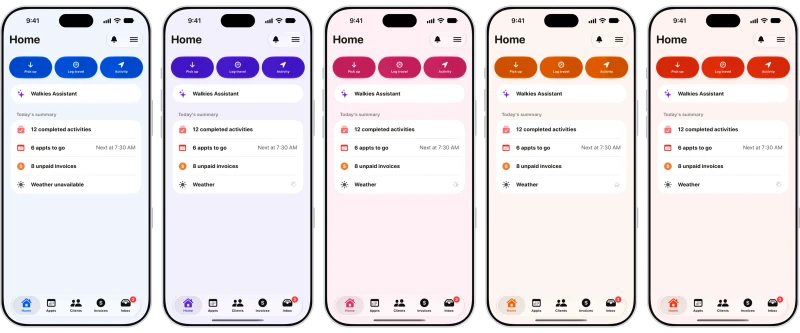
Pick any brand colour
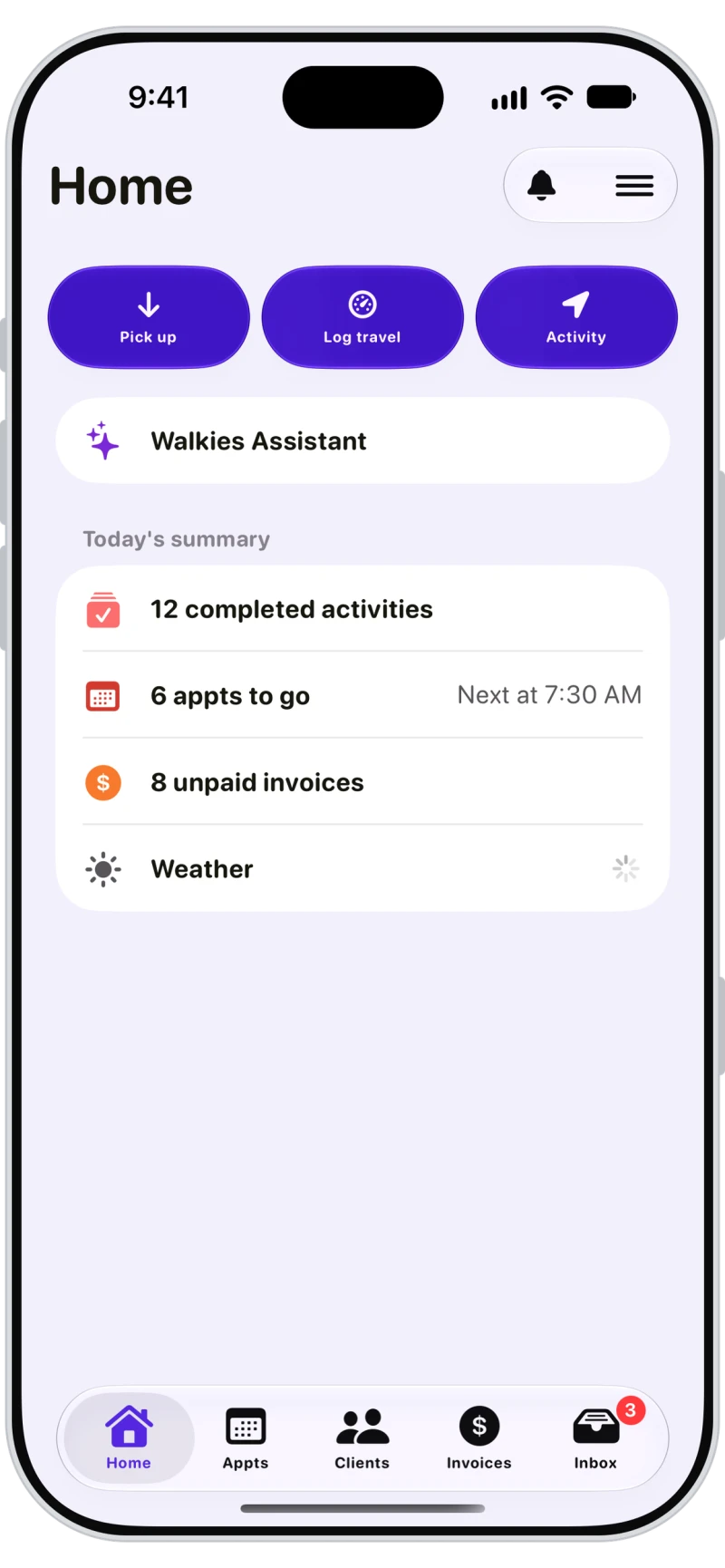
Pick any brand colour and the whole app follows: buttons, tabs and backgrounds, on your phone and your team's.
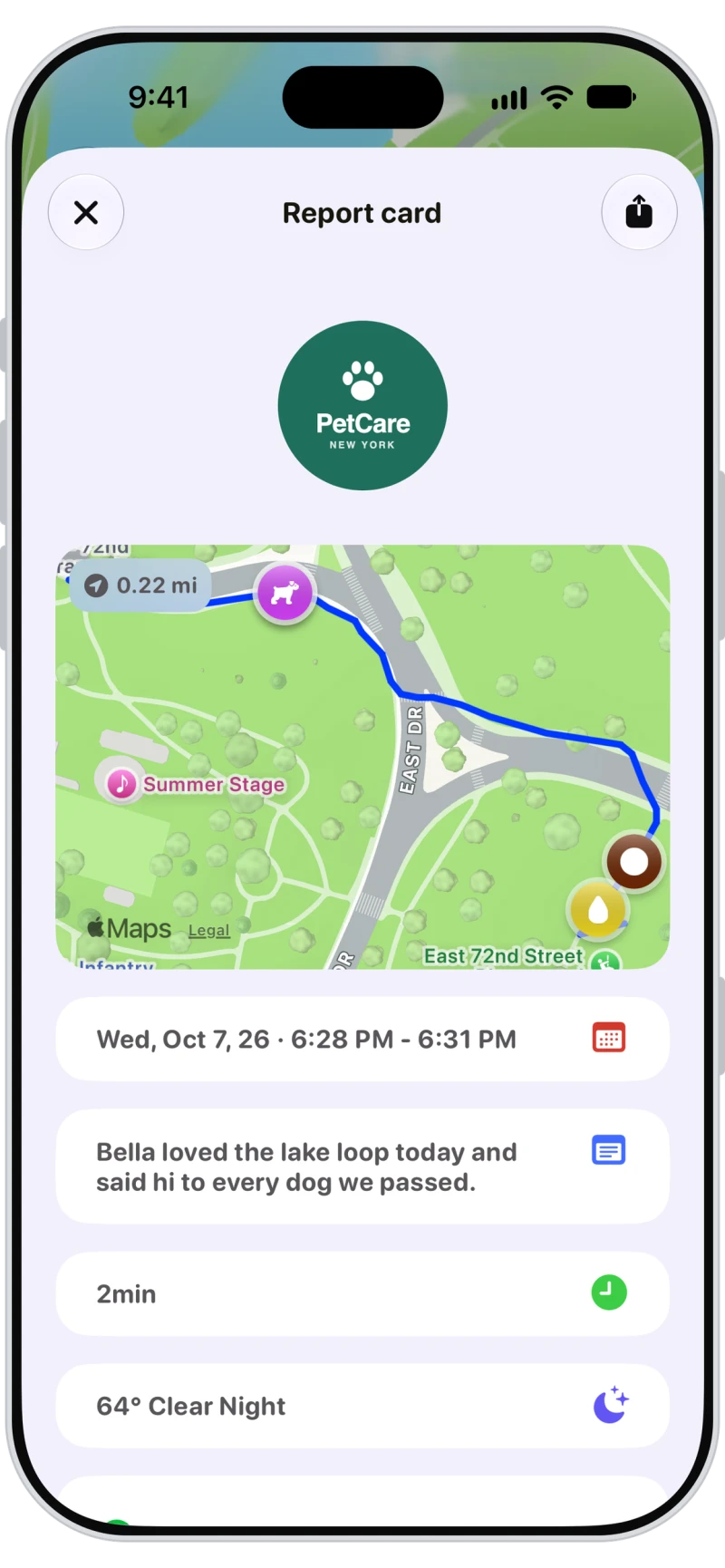
Report cards with your logo
Every report card picture carries your logo above the route map, and invoice PDFs do too, so every update you share looks like it came from your business.

A dog walking website in your brand
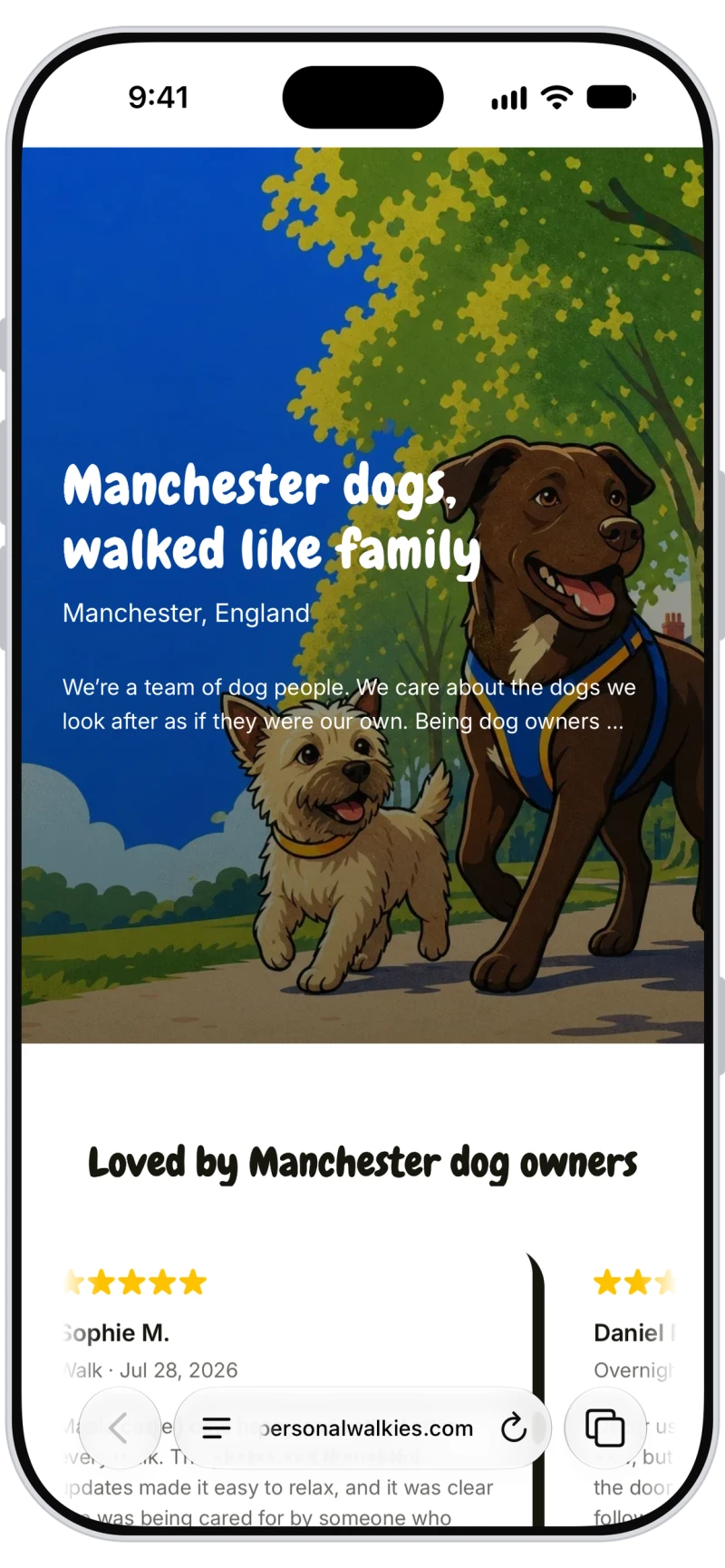
Publish your services and prices, qualifications, gallery, contact buttons and recent walks on your own online profile, or build a full website from templates in the web app with extra pages and your own domain.

Watermark your photos
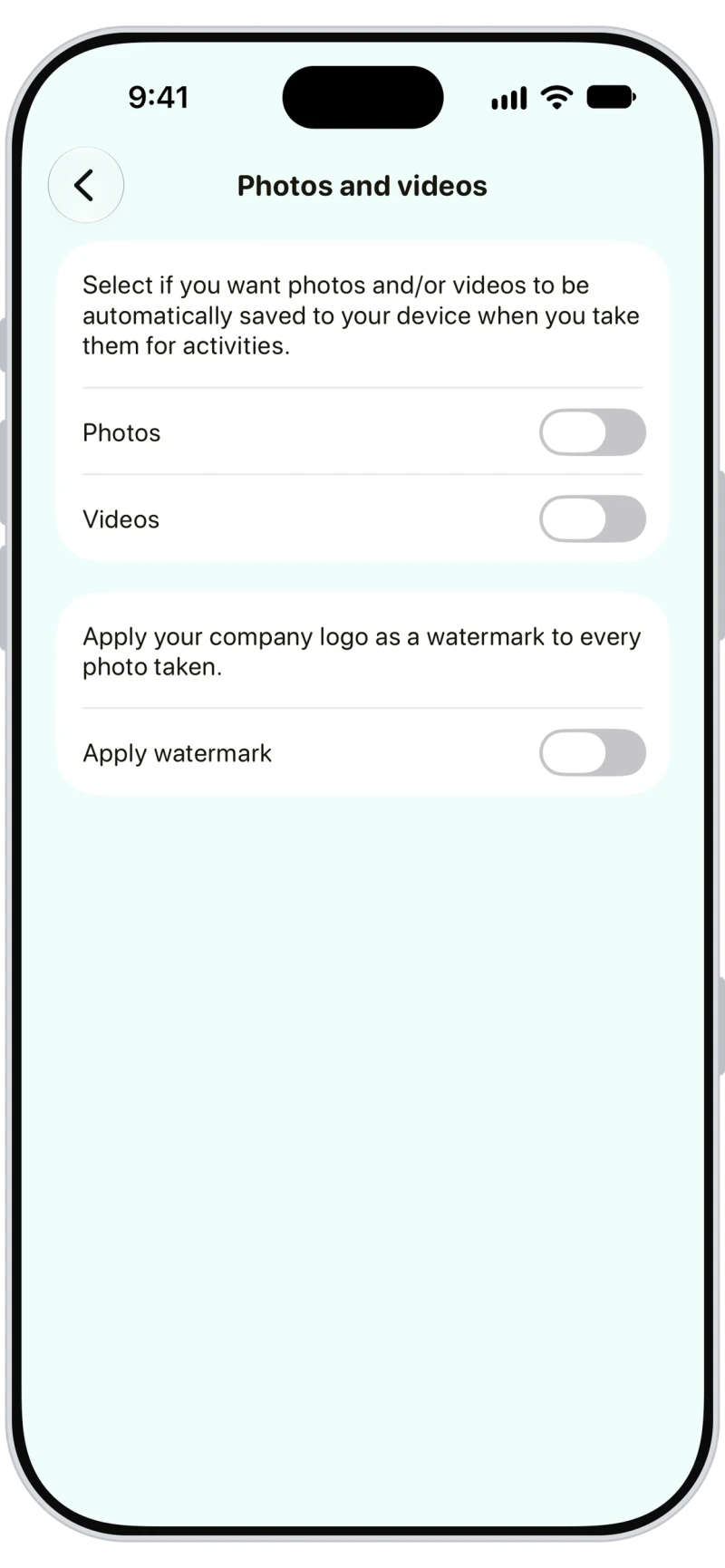
Apply your company logo as a watermark to every photo you take on a walk or visit, and save copies to your phone automatically.

Frequently asked questions
Yes. Turn on Journal app theme in Brand settings and your clients' Walkies Journal app uses your brand colour and logo.
Yes. Walkies gives you an online profile, and in the web app you can build a website from templates with gallery, photo, reviews and contact form sections, extra pages and your own domain.
Yes. Add your domain in the web app's settings and add the records it shows at your domain provider.
Profiles start hidden. Turn off Hide company profile to publish it.