Zapier integration for pet sitters and dog walkers
Connect Walkies to thousands of apps without code. Add new clients to your mailing list, log paid invoices in a spreadsheet, get a message when a walk finishes, or let a form book an appointment. Included with Walkies Max.
Connect with a Zapier key
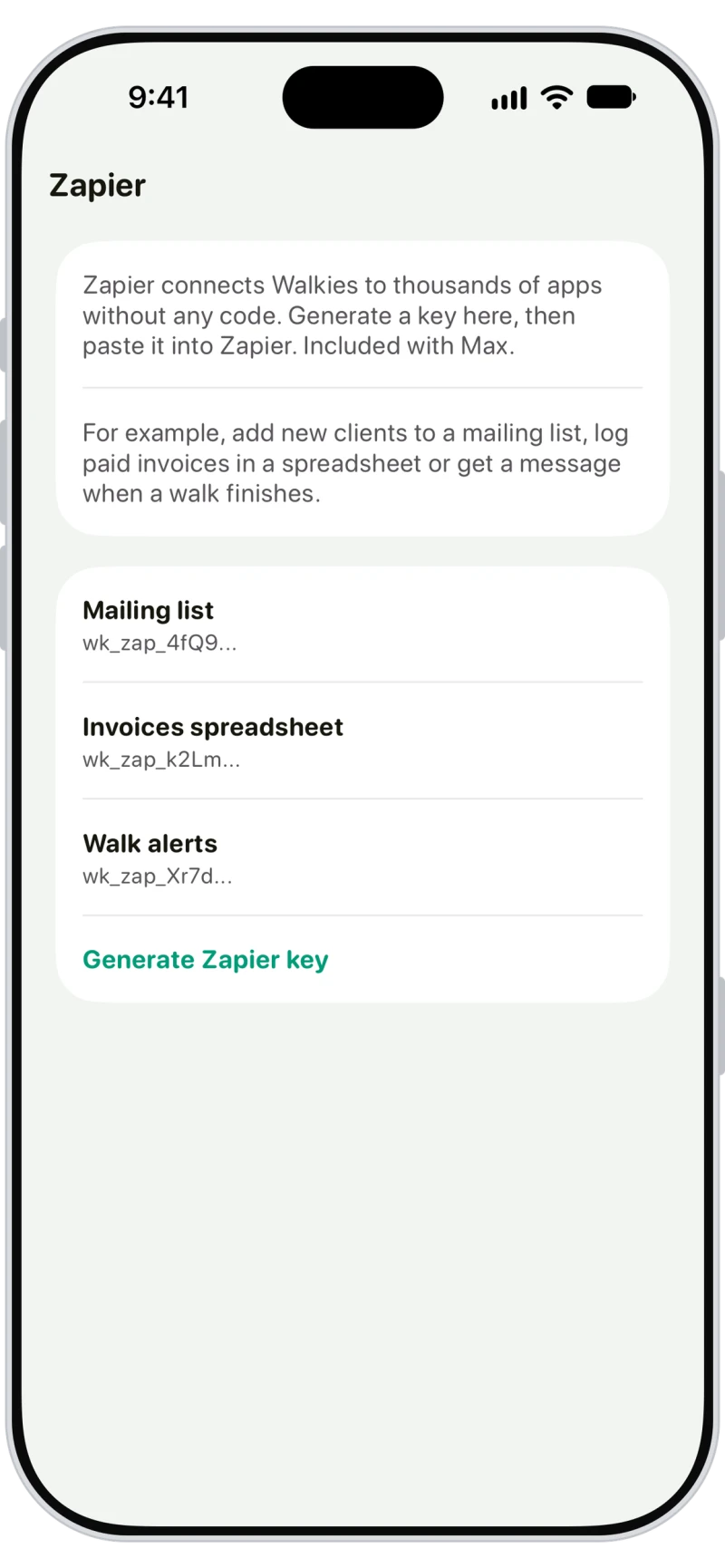
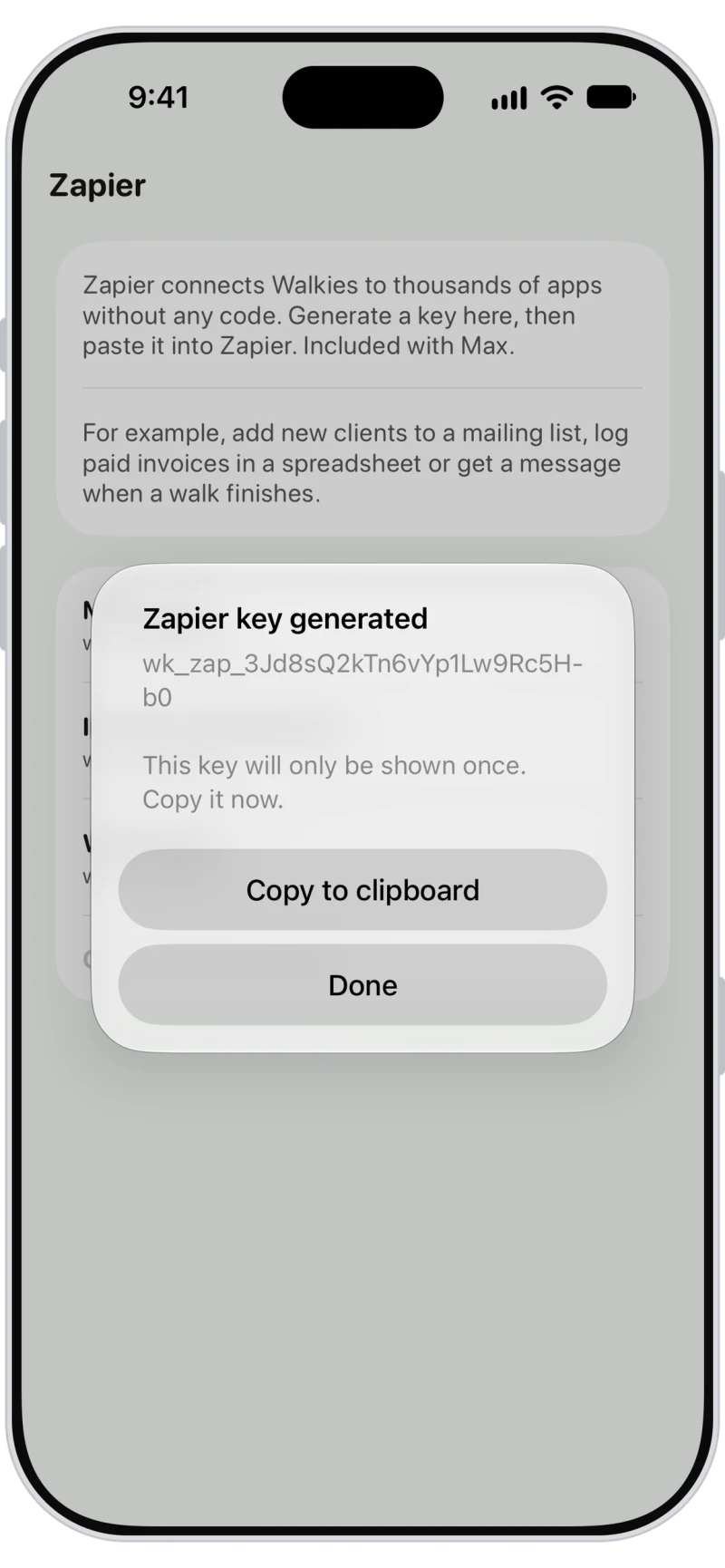
Tap the menu button on Home, then Zapier under Company, and tap Generate Zapier key. Copy the key, then paste it into Zapier when it asks you to connect Walkies. Admins and sub-admins can manage keys and revoke one at any time.

Start Zaps when things happen in Walkies
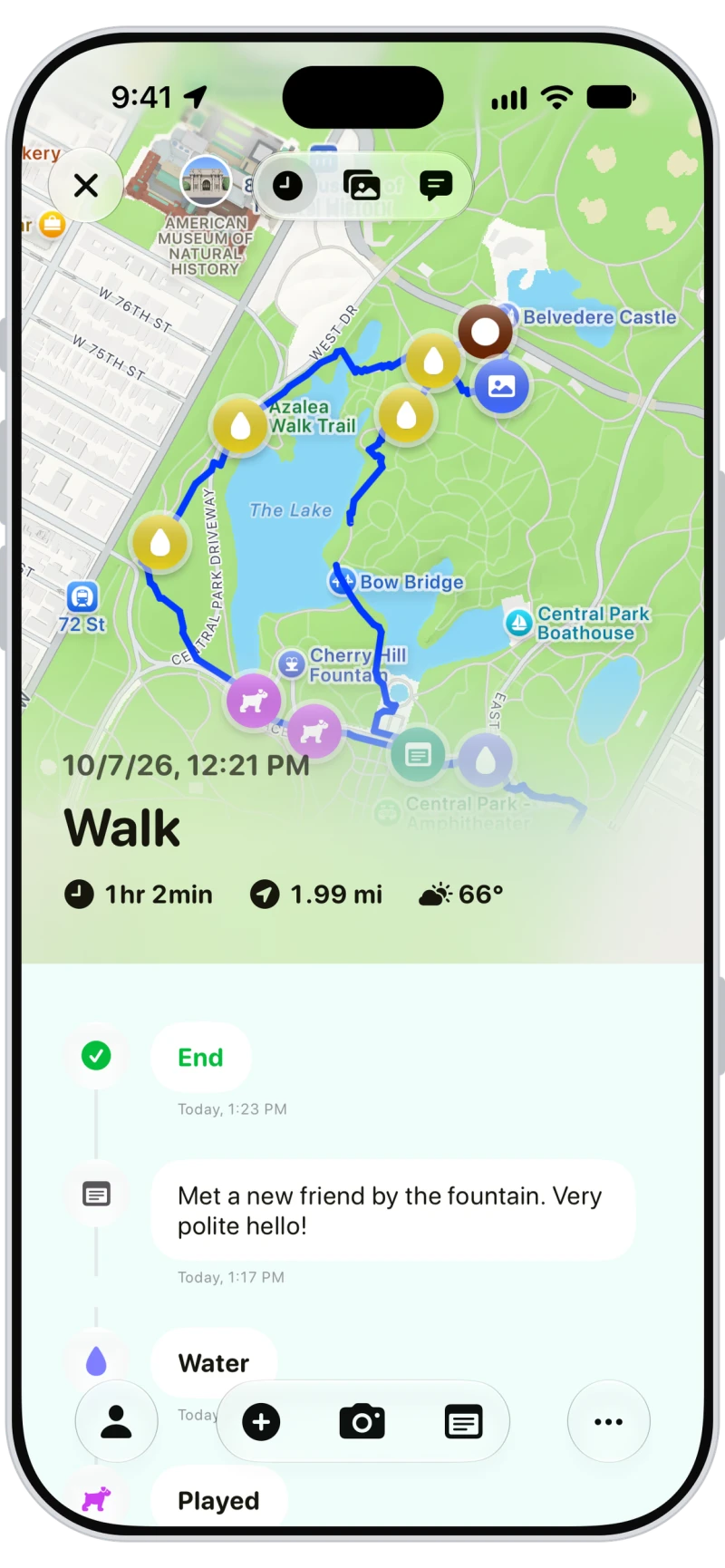
Over 80 triggers cover appointments booked, changed or cancelled, walks and visits started and finished, invoices created, paid or overdue, new clients and pets, contracts signed, messages from clients and vaccinations due.
Let other apps update Walkies
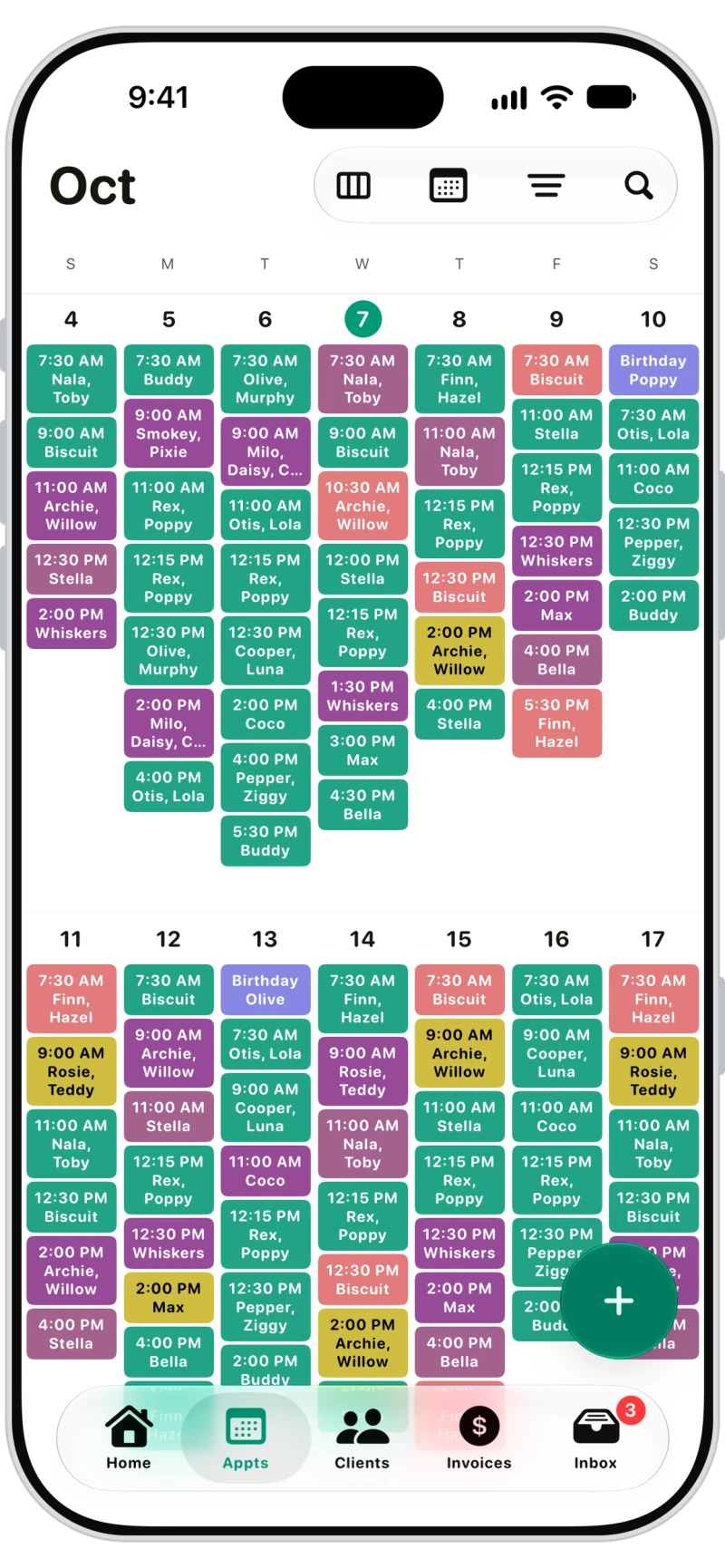
Over 100 actions and searches let other apps add clients, pets and appointments, create invoices and mark them paid, send messages, add expenses and find records in Walkies, so a website form or a spreadsheet can do the typing for you.

Frequently asked questions
Yes. On Walkies Max, Walkies connects to Zapier with a Zapier key, so you can link it to thousands of apps like Google Sheets, Mailchimp, Slack and Gmail without code.
Zaps can start when appointments, walks, visits, invoices, clients, pets, contracts or messages change in Walkies, and other apps can create and update clients, pets, appointments, invoices, expenses and more.
Zapier is included with Walkies Max. You don't need the Walkies API subscription.
Admins and sub-admins. They generate Zapier keys in Walkies and can revoke them at any time.
Anyone with your Zapier key can reach your Walkies data through Zapier. Revoke it in Walkies and generate a new one. Any Zaps using the old key stop working.
No. Zapier keys start with wk_zap_. Walkies API keys start with wk_live_ and only work with the Walkies API.
Your Zapier keys stop working. They stay listed in Walkies so you can revoke them.